

NetSuite costs can vary significantly. Where you land depends on five things: the edition you choose, your service tier, how many people need a licence, which modules you add and how much implementation work your business needs. Oracle does not publish a NetSuite price list, so every customer receives a quote built from the same set of parts.
This guide explains each of those parts, including the newest one: since 2026, your NetSuite subscription also decides how much of NetSuite’s built-in AI you can use.
Who Uses NetSuite?
More than 44,000 customers run their business on NetSuite, according to Oracle NetSuite. They range from startups putting in their first proper finance system, to midsize businesses managing several subsidiaries, to global groups reporting across many countries and currencies.

Oracle does not publish how its customer base splits by company size. What it does do is build its packages around each stage of growth. SuiteSuccess Starter is designed, in NetSuite’s words, “for small, rapidly growing companies needing a financial management system”. At the other end, NetSuite’s largest service tier supports up to 4,000 users. The same system covers both, which is why the price range is so wide.
NetSuite is sold as a subscription. Every customer has a base package and a set number of user licences. You can add modules, add users or move up a service tier as the business grows, so you pay for what you need now and expand when your needs change.
What Makes Up the Cost of NetSuite?
| Cost component | What it covers | Type of cost |
|---|---|---|
| SuiteSuccess edition | The base package for your industry and size: Starter, Standard or Premium | Annual subscription |
| Service tier | How much capacity your account has: users, storage and transaction volume | Annual subscription |
| User licences | Everyone who logs in to NetSuite, priced by type of access | Annual subscription |
| Modules | Extra functions such as multi-country management, inventory or planning | Annual subscription |
| AI Units | Use of NetSuite's generative AI features, included with user licences, with top-ups available | Included, plus optional add-ons |
| Implementation | Configuration, customisation, testing and training | One-off |
| Data migration and integration | Moving data from your old system and connecting other applications | One-off, with some ongoing |
| Support | Help for your users once you are live | Ongoing |
First, Pick Your SuiteSuccess Edition
SuiteSuccess is how NetSuite packages its software for different industries and business sizes. Each edition comes preconfigured with the processes, dashboards, key performance indicators and reports that suit a particular type of business.
You may wonder how one system can be priced for a startup and a global group at the same time. That is where the Starter, Standard and Premium packages come in. Each package has its own pricing, transaction volumes, modules and user limits, matched to the size of your organisation.
- Starter is for small, fast-growing companies that need a financial management system for the first time.
- Standard is for established businesses with more users and more complex processes. In Oracle’s service descriptions, Standard editions allow a maximum of 30 general access users.
- Premium is for larger organisations that need more users, more capacity and more functionality from day one.
Industry Editions
NetSuite has editions tailored to specific industries as well as organisation size. Oracle lists the following in its NetSuite Cloud Services descriptions (effective 15 September 2026):
| Industry edition | Available as |
|---|---|
| Financials | Standard, Premium |
| Services | Standard, Premium |
| Software | Standard, Premium |
| Anything as a Service | Standard |
| Agency | Standard, Premium |
| Project Based | Standard |
| Healthcare | Standard, Premium |
| Health and Beauty | Standard, Premium |
| Hospitality: Restaurants and Hotels | Standard, Premium |
| Manufacturing | Standard, Premium |
| Wholesale Distribution | Standard, Premium |
| Products | Standard, Premium |
| Retail | Standard, Premium |
| Apparel, Footwear and Accessories | Standard, Premium |
| Food and Beverage | Standard, Premium |
| Media | Standard |
| Publishing | Standard |
| Social Impact (nonprofit) | Starter, Standard, Premium |
Availability of the industry-specific edition depends on your region.
An industry edition is a starting point, not a limit. You can still add modules that sit outside it, and choosing the edition closest to how your business already works usually means less customisation later.
Service Tiers: How Much Capacity You Pay For
Your service tier sets how much your NetSuite account can handle. The Core Suite includes the Standard tier, and you move up as your business grows. These are the limits Oracle publishes in its service tier documentation:
| Service tier | Users | File storage | Monthly transaction lines* | SuiteCloud Plus licences |
|---|---|---|---|---|
| Standard | Up to 100 | Up to 100 GB | Up to 200,000 | Up to 1 |
| Premium | Up to 1,000 | Up to 1,000 GB | Up to 2 million | Up to 3 |
| Enterprise | Up to 2,000 | Up to 2,000 GB | Up to 10 million | Up to 6 |
| Ultimate | Up to 4,000 | Up to 4,000 GB | Up to 50 million | Up to 12 |
*Total transaction lines per month across all transaction types, averaged over the most recent six months.
If you go over a limit, NetSuite shows a banner to your administrators and sends an email with next steps.
User Licensing
NetSuite is licensed per user, so the cost is tied to the number of people who need access. That includes users across finance, sales, marketing and operations.
Not every user needs a full licence. General access users work in the system every day. Employee Center users only need to do things like submit expenses, timesheets, or purchase requisitions and they cost far less. The Core Suite includes five Employee Center users. Matching each person to the right licence type is one of the simplest ways to control your NetSuite cost.
Each general access licence now also brings an allowance of AI Units, which we explain below.
Module Selection
NetSuite offers a wide range of modules for specific business functions, including fixed asset management management, inventory management, project management, planning and budgeting, and managing multiple subsidiaries in different currencies.
The cost depends on which modules your business needs. This modular approach lets you build the system around your business, but it is worth being strict about what you need in year one. A module you are not ready to use is a cost with no return, and you can add it at renewal or mid-term when the time is right.
What Does NetSuite AI Cost?
NetSuite now builds generative AI into the system itself. Features such as Ask Oracle, which lets users ask questions about their data in plain English, and Text Enhance, which drafts and rewrites text inside records, are part of NetSuite and NetSuite Next. For more on what each feature does, see our guide: What Is NetSuite AI?
In 2026, Oracle started measuring use of these features in AI Units. Here is how it works, according to Oracle’s AI Units FAQ:
- AI Units come with your user licences. Each general access user licence includes 1,000 AI Units per month of your licence term.
- Units go into one shared pool. They are provisioned upfront for the whole term. A business with 20 general access users on a three-year term, for example, starts with a pool of 720,000 AI Units that anyone in the account can draw on.
- The pool resets each term. Units are counted from the start of each licensing term.
- You can buy more. Oracle sells top-up packs of 10,000 and 25,000 pooled AI Units. It does not publish the price, so it will appear on your quote. If you run out and do not top up, you need to pause use of AI features.
- Connecting your own AI assistant does not use units. The NetSuite AI Connector lets you link third-party AI tools to NetSuite, and Oracle states it “will not consume AI Units”. You pay your AI provider for that use instead.
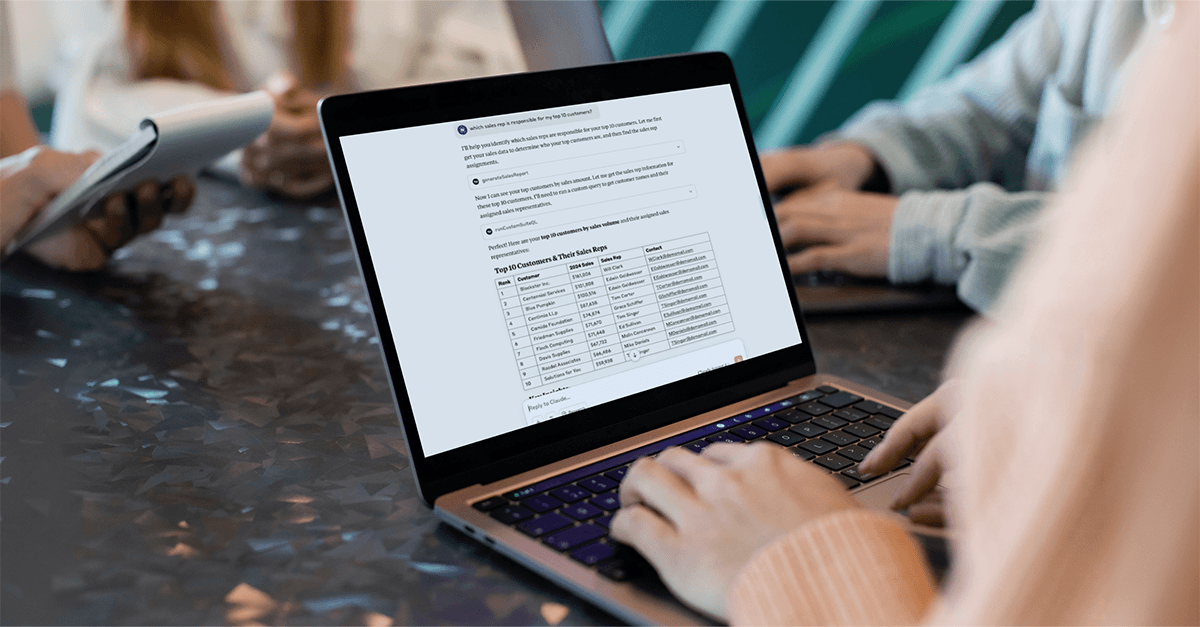
How fast you use units depends on what people ask the AI to do. Oracle publishes these estimates in its AI Units usage guide:
| AI feature | Estimated AI Units per use |
|---|---|
| Ask Oracle: simple question | About 10 |
| Ask Oracle: analysis question | 10 to 50 |
| Ask Oracle: research question | 50 to 200 |
| Text Enhance | 5 to 10 per request |
| Narrative Insights | 5 to 200 per summary |
| Case Summary | 5 to 75 per case |
| Prompt Studio | 5 to 10 per prompt test |
| SuiteScript N/llm module | 5 to 25 per request |
| Transaction Matching Assistant | 5 to 10 per example (eligible customers only) |
For budgeting, the practical question is who will use AI heavily. A finance team asking Ask Oracle research questions every day will use units much faster than a team that uses Text Enhance now and then. Your administrator can see usage in real time under Setup > Company > View Billing Information. Check it after the first month and plan any top-up at renewal, when you have the most room to negotiate.
One more point on AI and cost: NetSuite’s AI works from the data in your account. A clean migration and well-connected systems are what make it useful, which brings us to the one-off costs.
Customisation and Implementation
Implementation and customisation services are a large part of the first-year cost. Fitting NetSuite to your business processes and workflows takes expertise, and the amount of customisation will affect the final price.
Businesses with complex requirements or specific industry needs may need more customisation, which means higher implementation costs. Starting from a SuiteSuccess edition helps here: the closer you stay to its preconfigured processes, the less you spend building your own. You can see how a typical project runs in our NetSuite project timeline.
Data Migration and Integration
If you are moving from an existing system, plan for data migration. The amount of data you bring across, and how clean it is, will affect the cost. Bringing over every year of history is rarely necessary; most businesses move open balances, recent transactions and master data, and keep the old system or an archive for reference.
Connecting NetSuite to other business applications, such as a CRM, an ecommerce platform or a payroll provider, may also add cost. Each integration also needs looking after when either system changes.
Support
NetSuite’s pricing includes ongoing support fees. Oracle includes NetSuite Basic Support in the Core Suite and sells higher levels of support at extra cost. This means your users have hands-on support ready if they have problems or need help.
Because NetSuite is cloud software, Oracle updates the system itself, with two major releases each year. There is no separate maintenance charge for upgrades. You can read what changed in the latest update in our NetSuite 2026.2 release guide.
When you implement NetSuite with FinanSys, you have a partner providing ongoing support and proactive monitoring of what you are paying for, so you make full use of every module, user licence and AI Unit in your subscription. Our NetSuite experts are available to answer your questions, troubleshoot issues and keep your system running well, so your team can focus on running the business.
How to Keep Your NetSuite Cost Under Control
- Choose the edition closest to how you work today. Less customisation means a lower implementation cost.
- Size your service tier on real volumes. Check expected users and monthly transaction lines, not just headcount.
- Match each user to the right licence. Not everyone needs general access.
- Buy modules when you will use them. Add the rest as the business grows.
- Watch your AI Unit pool. Review usage after the first month and plan top-ups at renewal.
- Agree renewal terms before you sign. Ask what your price will be at renewal, not only in year one.
The Cost of Doing Nothing
NetSuite involves a real investment, and the factors above explain where it goes: edition, service tier, users, modules, AI Units, implementation, data migration and support.
The cost you do not see on a quote is the cost of staying where you are. Month-end that takes days longer than it should, reconciliations done by hand, reports nobody fully trusts and teams copying data between systems all cost money every month. They also stop you using AI in any useful way, because AI is only as good as the data it can reach. A finance team whose numbers sit in spreadsheets and disconnected systems cannot ask a question and get a reliable answer.
For most growing businesses, the return from one connected system outweighs the subscription. We look at how to measure this in What Is the Cost of Inaction in Your Business?
Why Choose FinanSys as Your NetSuite Partner?
Founded in 1998, FinanSys is a NetSuite Solution Provider delivering complete NetSuite solutions across a range of industries, including financial services, insurance, property management, professional services, manufacturing, hospitality, nonprofit, and energy and oil.
When you choose FinanSys, you are not only hiring people who know the software well. You get more than 25 years of experience in implementations, customisations, integrations, support and training, and a team that will help you get value from NetSuite’s AI features as they develop.
We can work out what NetSuite would cost for your business, based on your users, processes and plans. Talk to us today about your NetSuite needs.
Frequently Asked Questions
How Much Does NetSuite Cost per Year?
NetSuite usually costs from tens of thousands of pounds to several hundred thousand pounds a year. The price depends on your edition, service tier, number of users, modules and the scale of implementation. Oracle does not publish a price list, each case needs to be analysed individually. Get in touch with us today for a free analysis and quotation for how much NetSuite will cost you.
Is NetSuite AI Included in the Licence?
Yes, up to an allowance. Each general access user licence includes 1,000 AI Units per month of the licence term, pooled across your account. If you use more, you can buy top-up packs of 10,000 or 25,000 units.
What Are NetSuite AI Units?
AI Units are how Oracle measures use of NetSuite’s generative AI features, such as Ask Oracle and Text Enhance. Each request uses a number of units, from around 5 for a short text request to 200 for a research question.
Does Using My Own AI Assistant With NetSuite Use AI Units?
No. Oracle states that the NetSuite AI Connector, which links third-party AI tools to NetSuite, does not consume AI Units. You pay your AI provider for that use.
What Is the Difference Between SuiteSuccess Starter, Standard and Premium?
They are package sizes. Starter is for small, fast-growing companies. Standard suits established businesses and, in Oracle’s service descriptions, allows up to 30 general access users. Premium is for larger organisations that need more users, capacity and functionality.
Is NetSuite Suitable for Startups?
Yes. NetSuite’s SuiteSuccess Starter edition is designed for small, rapidly growing companies that need a financial management system, and the same system scales up to large global groups.
Does NetSuite Charge for Maintenance?
No. NetSuite is cloud software, so Oracle updates it twice a year as part of your subscription. You pay for support, not maintenance.
Talk to a NetSuite Expert

